
Cancelling your subscription
How you cancel your Echo subscription depends on where you originally subscribed.
Before following the steps below, first identify whether you subscribed via the Apple App Store or on the Echo website.
Apple App Store subscriptions
How to cancel an Apple subscription
If you subscribed through the iOS app, your subscription is managed entirely by Apple.
To cancel:
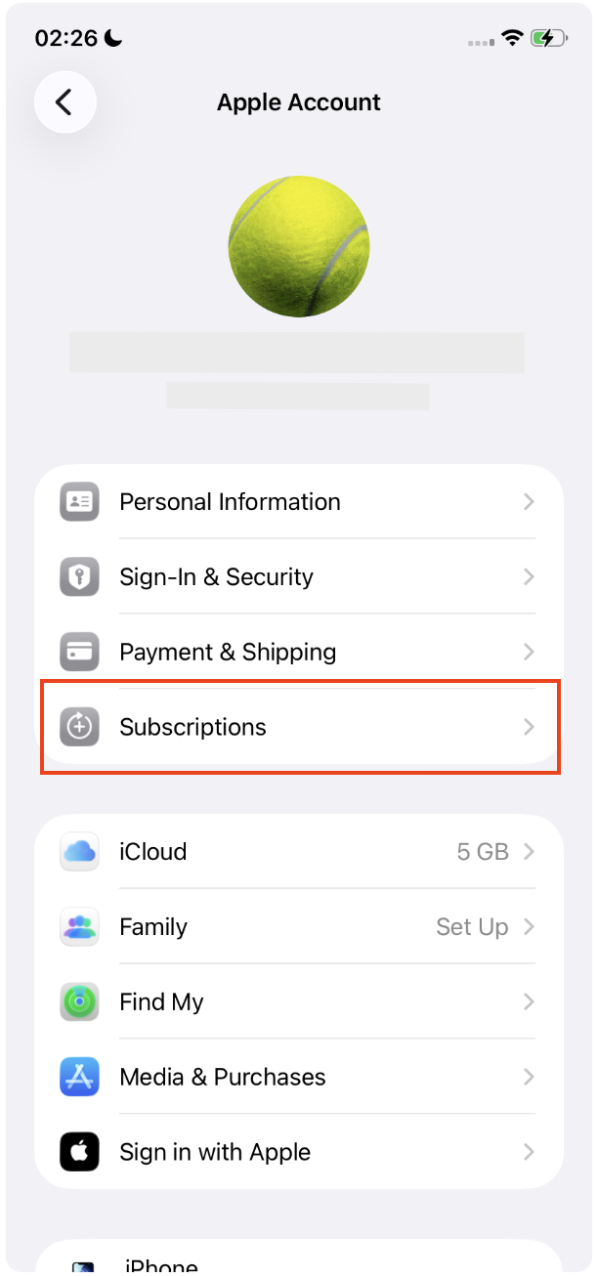
Open Settings on your iPhone or iPad
Tap your Apple ID (at the top)
Tap Subscriptions
Select Echo
Tap Cancel Subscription
Your subscription will remain active until the end of the current billing period.
Important things to know
Canceling does not issue a refund
Deleting the Echo app does not cancel your subscription
You can continue using Echo until the subscription period ends
Echo cannot cancel Apple subscriptions on your behalf
If Apple denies a cancellation-related refund, Echo cannot override Apple’s decision.
Website subscriptions
How to cancel a website subscription
If you subscribed on the Echo website, your subscription is managed through Paddle.
To cancel:
Go to 👉 https://billing.told.ai
Enter the email address you used at checkout
Enter the security code you will have received at your email address
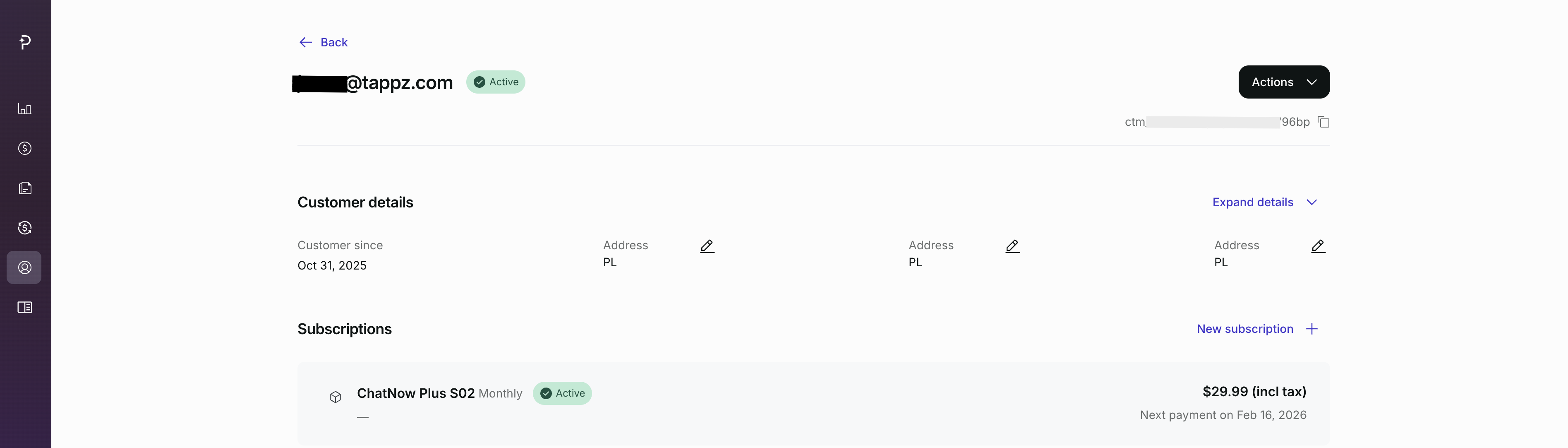
Access your billing dashboard
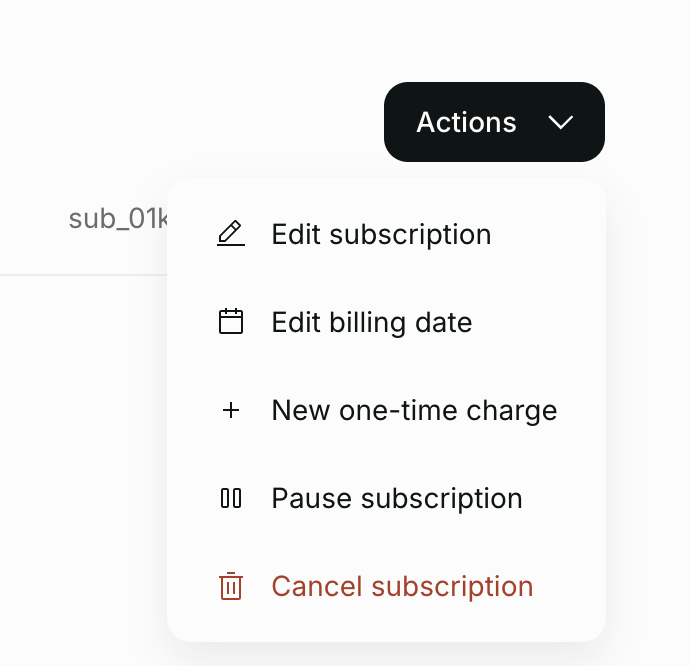
Select your Echo subscription
Choose Cancel subscription
Your access will remain active until the end of the paid period.
Important things to know
Canceling stops future renewals
Access continues until the end of the current billing cycle
Canceling does not automatically issue a refund
Refunds must be requested separately and are subject to approval
What happens to credits after cancelling?
Credits remain usable until your subscription expires
If a refund is approved, access and credits may end earlier
Unused credits do not roll over after expiration
Credits cannot be manually refunded or restored.
What you cannot do
Cancel an Apple subscription from the Echo app or website
Cancel a website subscription through Apple
Transfer a subscription to another account or email
Not sure where you subscribed?
Subscribed in the iOS app → Apple App Store
Subscribed on the Echo website → Website subscription
If you’re unsure, contact support and include the email address you may have used.