
How to view full transcript vs summary
Each note in Echo includes both a full transcript and a structured summary.
Viewing the summary
When you tap and open a note, you will first see the summary view.
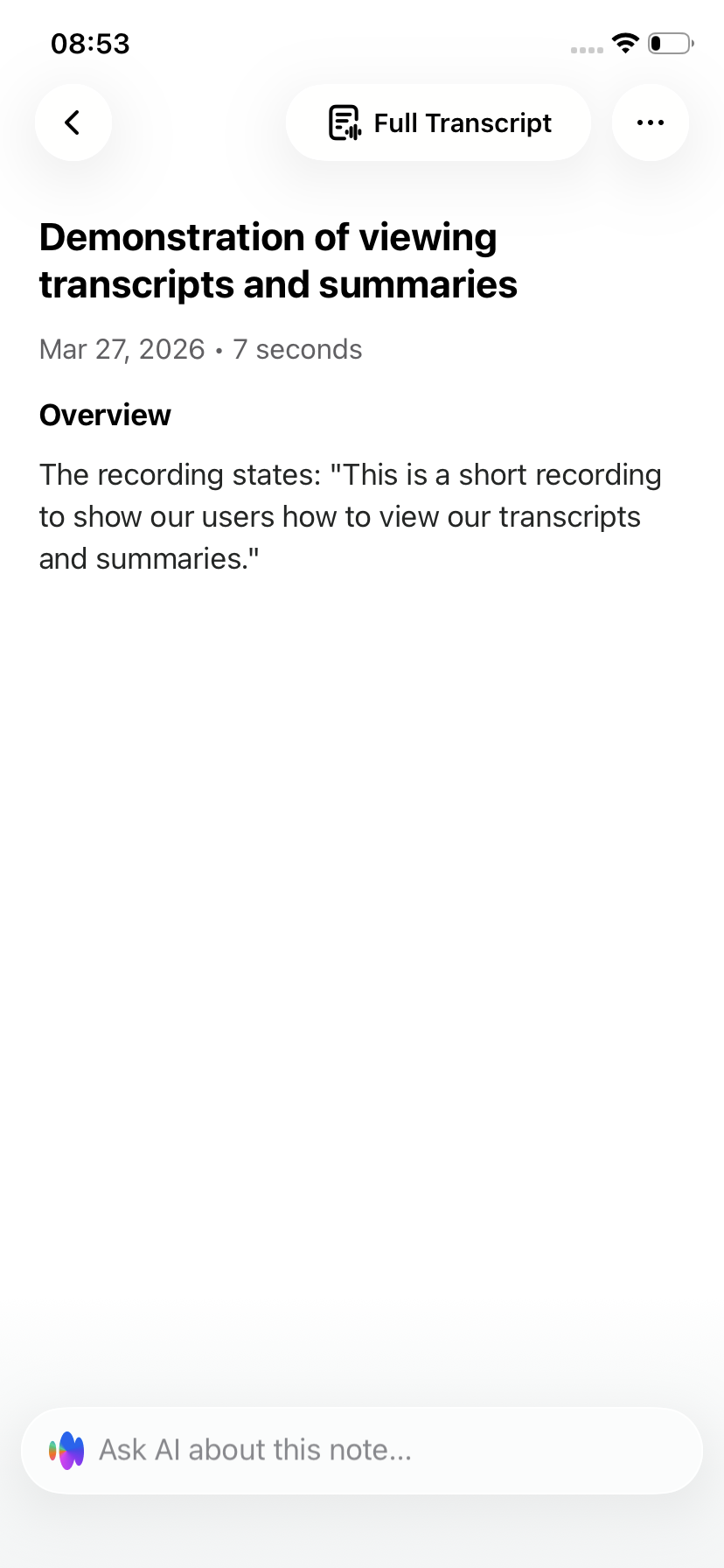
The summary provides a condensed and structured version of your recording, highlighting the key points and main ideas. It is designed to help you quickly understand the content.
Viewing the full transcript
To see the full word-for-word transcript:
Open a note
Tap Full Transcript
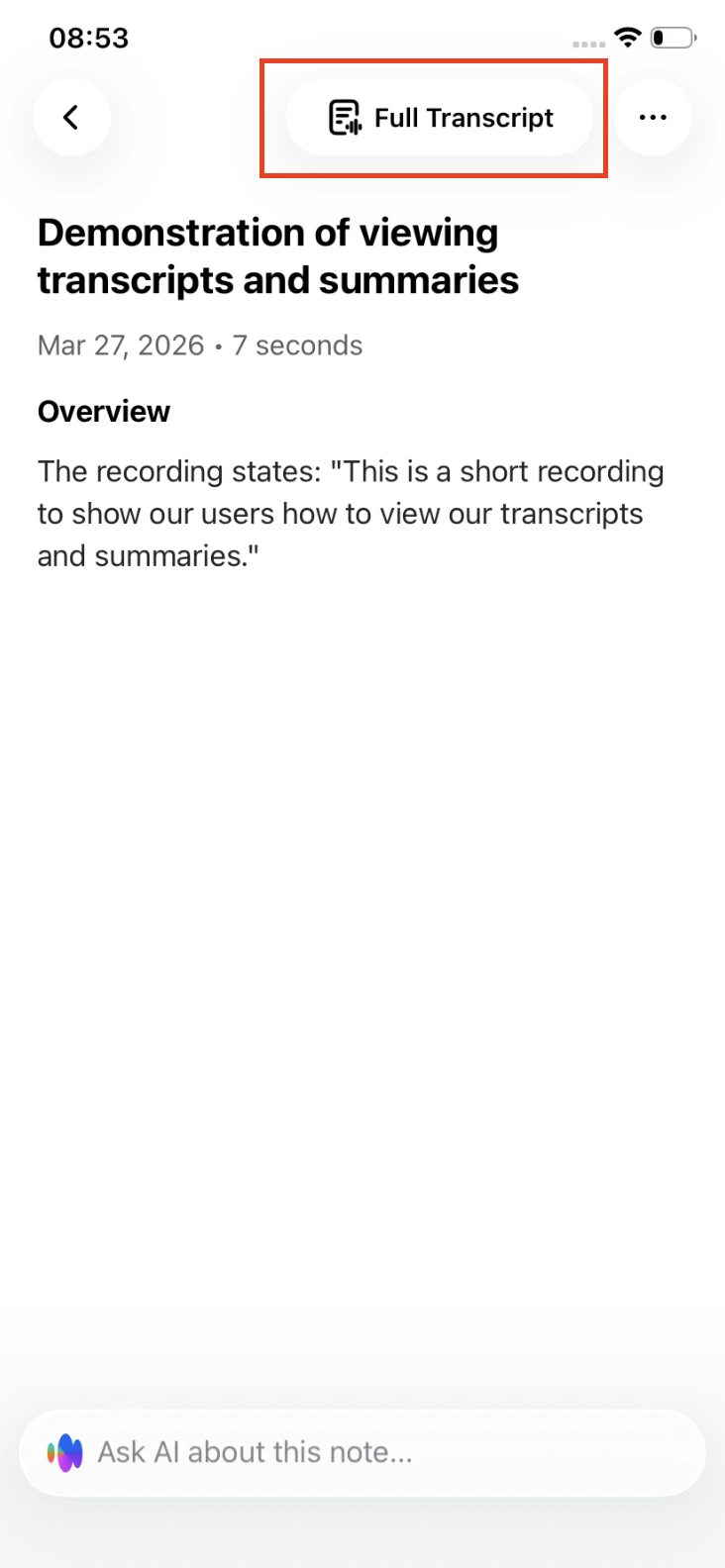
This will display the complete transcription of the recording.
What’s the difference?
The summary is shorter and structured, making it easier to scan and understand quickly.
The full transcript shows the exact spoken content, including all details, and is better suited for precise review or quoting.
Exporting or copying
You can copy or export the text using the available share options.
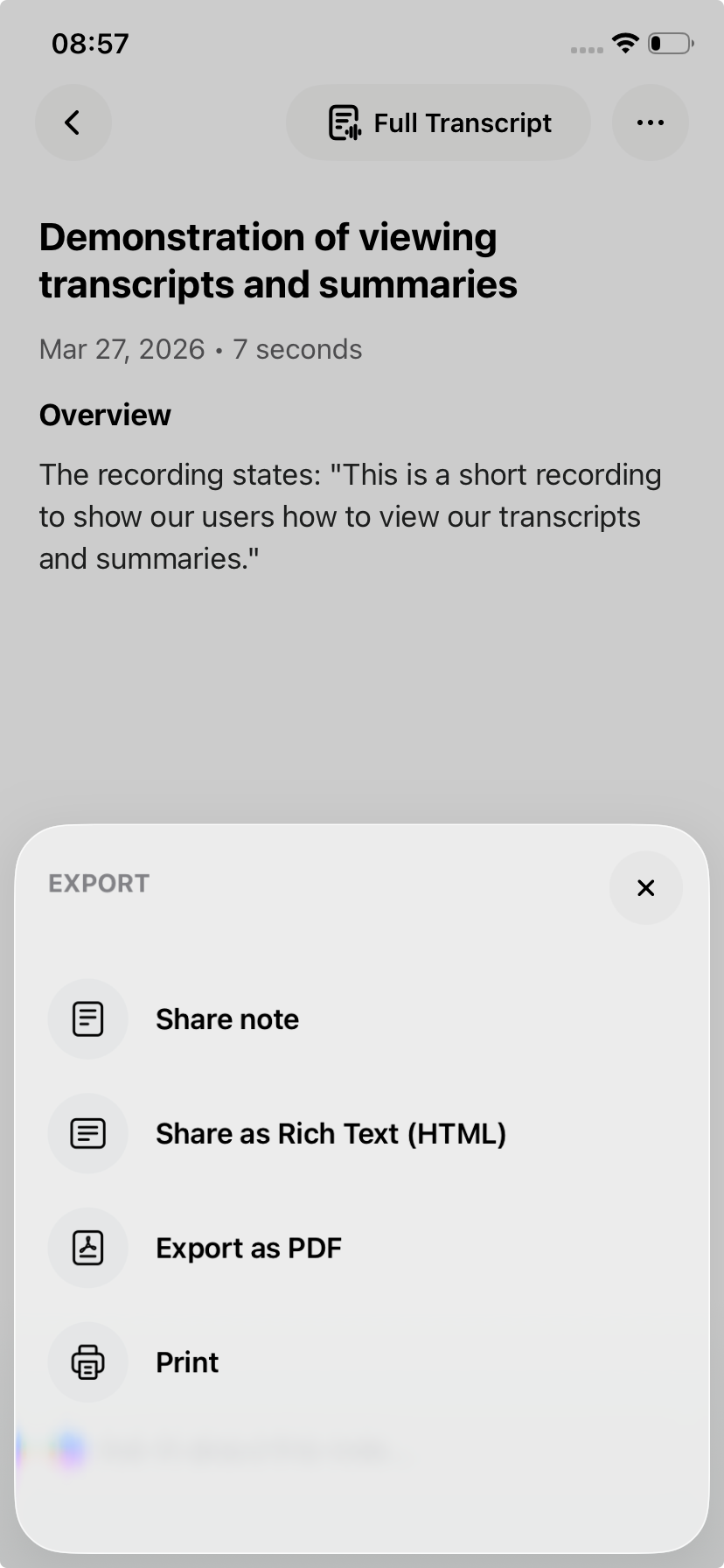
Learn more about How to export transcripts and summaries
Important to know
Transcripts and Summaries are only available once the note has been fully processed.
If it does not appear yet, wait for the note to finish Creating, or tap Retry if that option is shown.